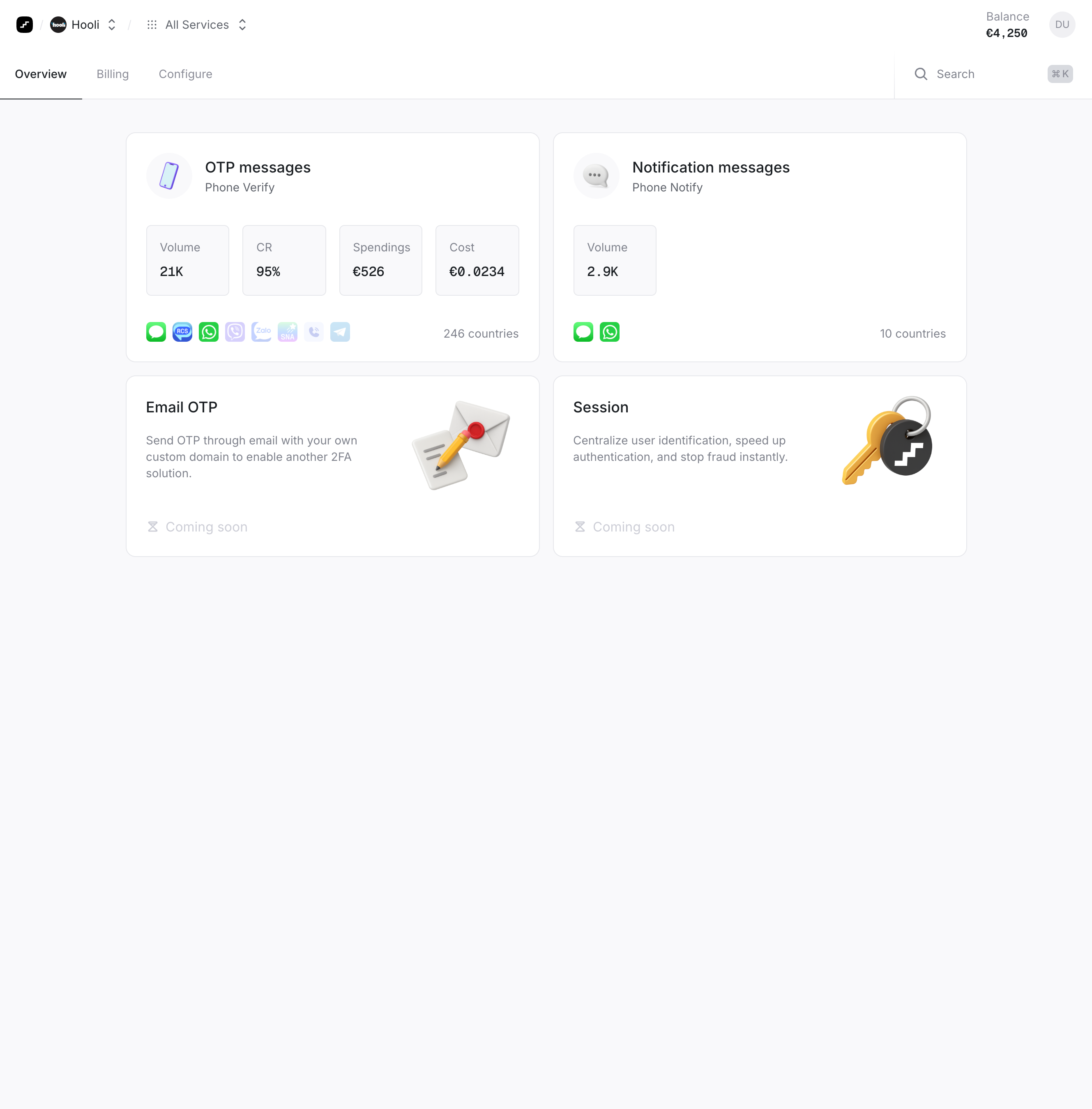
> ## Documentation Index
> Fetch the complete documentation index at: https://docs.prelude.so/llms.txt
> Use this file to discover all available pages before exploring further.
# The Prelude Dashboard
> Monitor your performance and configure your integration with the Dashboard. To get access to the dashboard, you must first sign up and create an app.
The [Dashboard](https://app.prelude.so) is a website to monitor your performance and configure
your integration. To get access to the dashboard, you must first [sign up](https://app.prelude.so) and create an app.
## What you can do
* Monitor your performance both globally and on a per-country basis.
* Configure your message settings, such as the message suffix and the code length.
* Find out why a specific verification was blocked.
* Configure your [Strategic Trade-off](/introduction/concepts/multi-routing#strategic-trade-offs) per country.
* Configure which channel and country to allow.
* Invite team members to your account.
* Get credentials to use the Prelude API.
* Create [Test Numbers](/verify/v2/documentation/testing) to test your integration.
* Allow or block specific numbers using the [corresponding lists](/verify/v2/documentation/prevent-fraud#allowlist-and-blocklist).
## Navigate the dashboard
The Dashboard is organized by service. Use the navigation bar to switch between Verify API and Notify API, each with their own analytics, history, and configuration pages. Filter data by region using the region dropdown, which shows availability and key metrics for each country. Use the search modal (CMD+K) to quickly find verification records, phone numbers, or other resources.