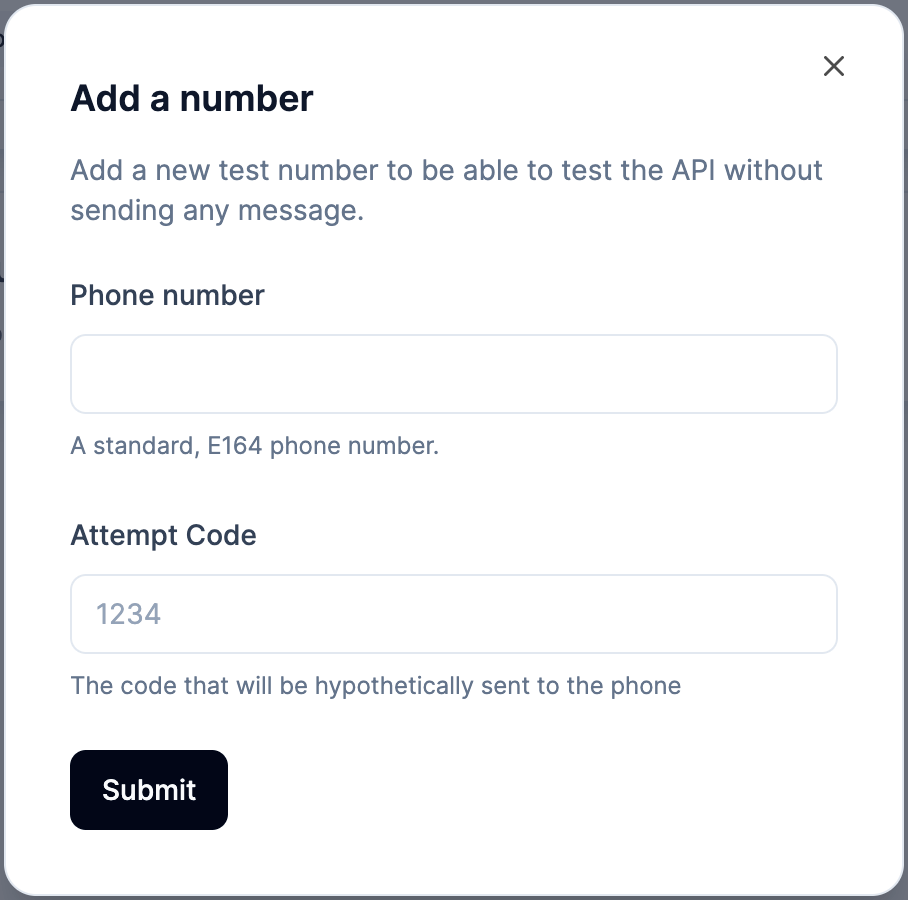
Test numbers are special phone numbers you register on your account that never reach a real carrier. When you create a verification against a test number, Prelude short-circuits the flow: no message is sent, no cost is incurred, and the code is a fixed value you set when creating the number. Reach for them in automated integration tests and during local development, any time you want to exercise the end-to-end Verify flow without touching production messaging.
Test numbers let you simulate several scenarios:
- Successful verification flows
- Errors resulting from too many attempts
- Errors due to invalid codes or expired verifications
It’s currently not possible to assign a specific error code to a test number.
How to use test numbers
Upon creation of a test number, you need to provide a specific code to be associated to it.
It will be the only one to be accepted by the Check endpoint.
This applies to options.custom_code too: a code sent with the verification is
ignored for a test number, and only the code configured on the number is accepted.